See what you're hearing.
A free player with waveform inspection, spectrum analysis, parametric EQ, key-true transpose, and DJ pitch control.
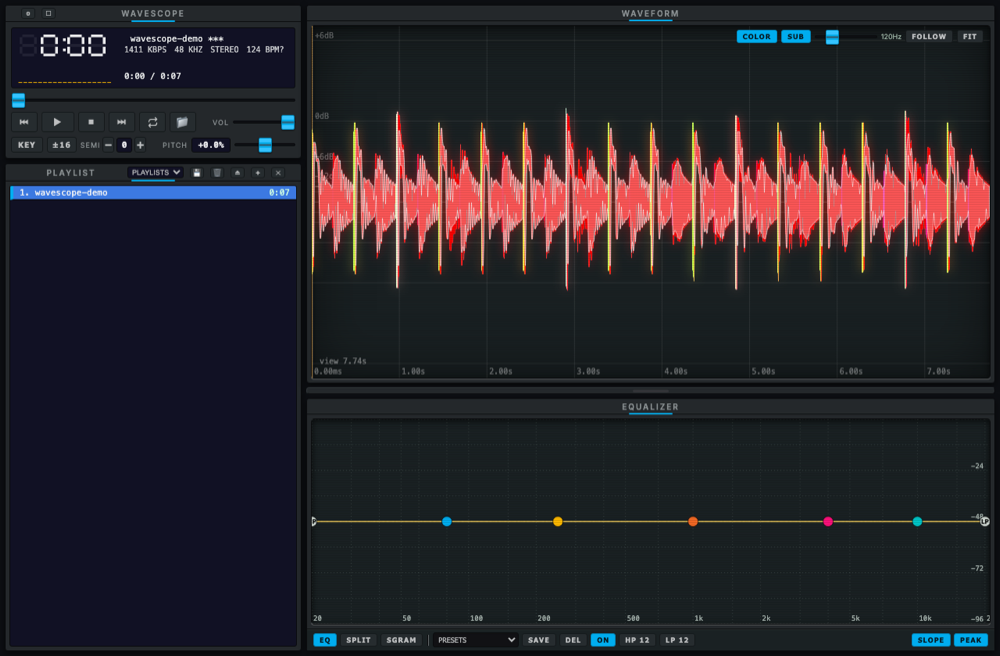
The whole signal chain, on one screen.
Playback, analysis, and correction in a single compact window. Every readout stays live while you work.
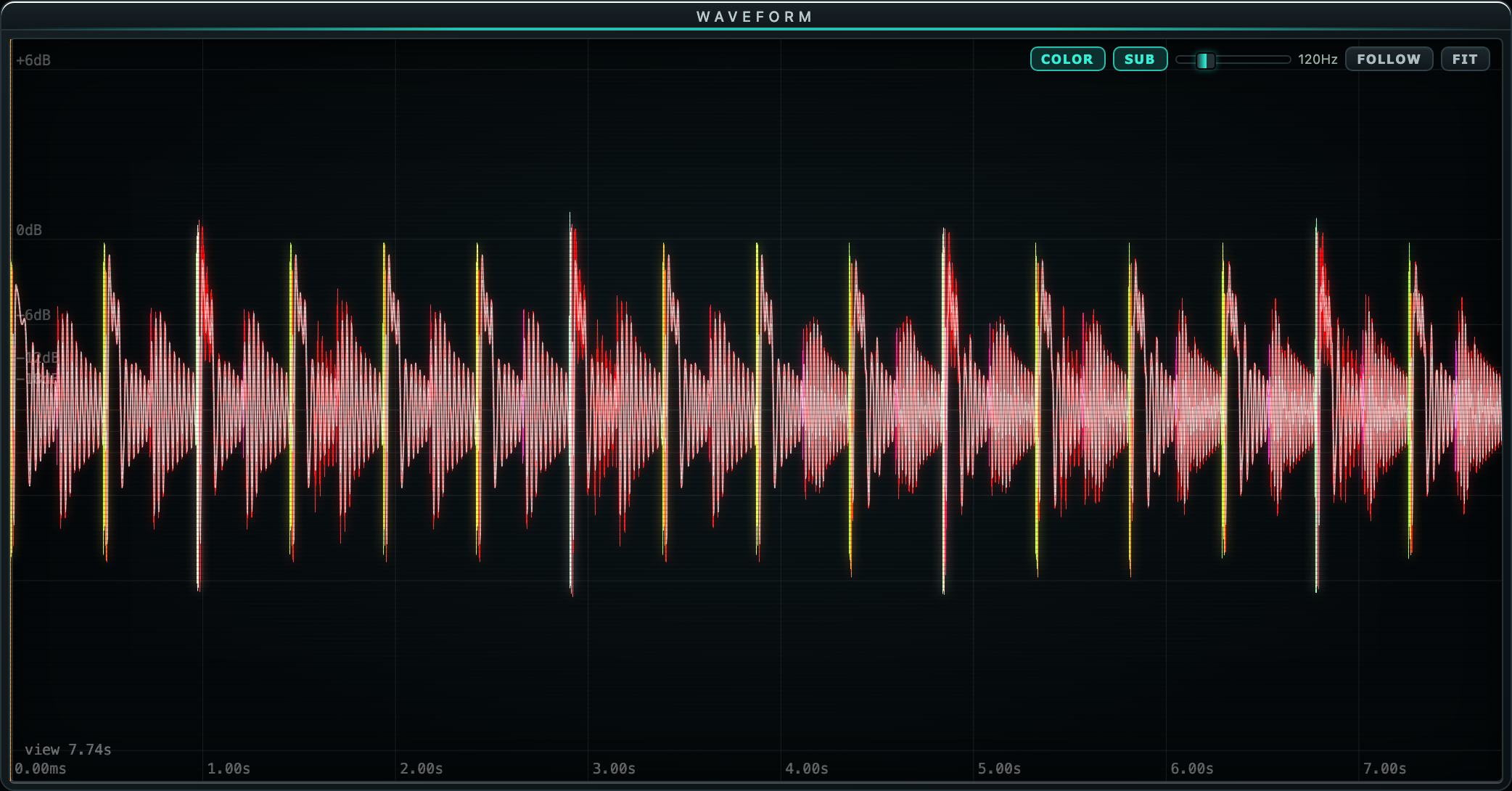
The waveform is colored by frequency
Red is low, green is mid, violet is high: kicks read red, vocals sit green, hats sparkle violet, all before you press play. A lowpass overlay isolates the sub, and zoom goes from full track to single cycles.
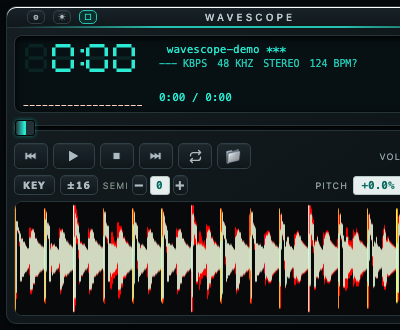
Mini player
Collapse to a floating deck with the full waveform still visible. Same controls, quarter of the screen.
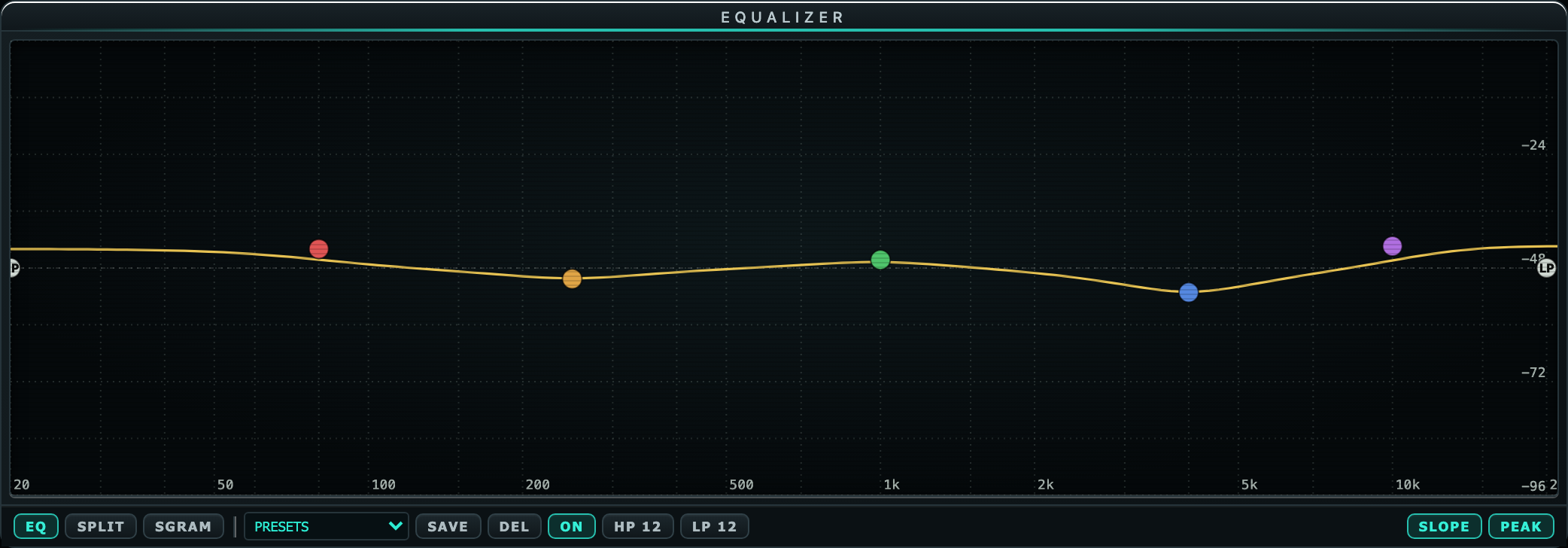
Parametric EQ you grab by the node
Five bands, each with its own colored handle on the curve, plus high and low cuts from 12 to 48 dB per octave. Split the panel and the spectrum moves live under your sweep.
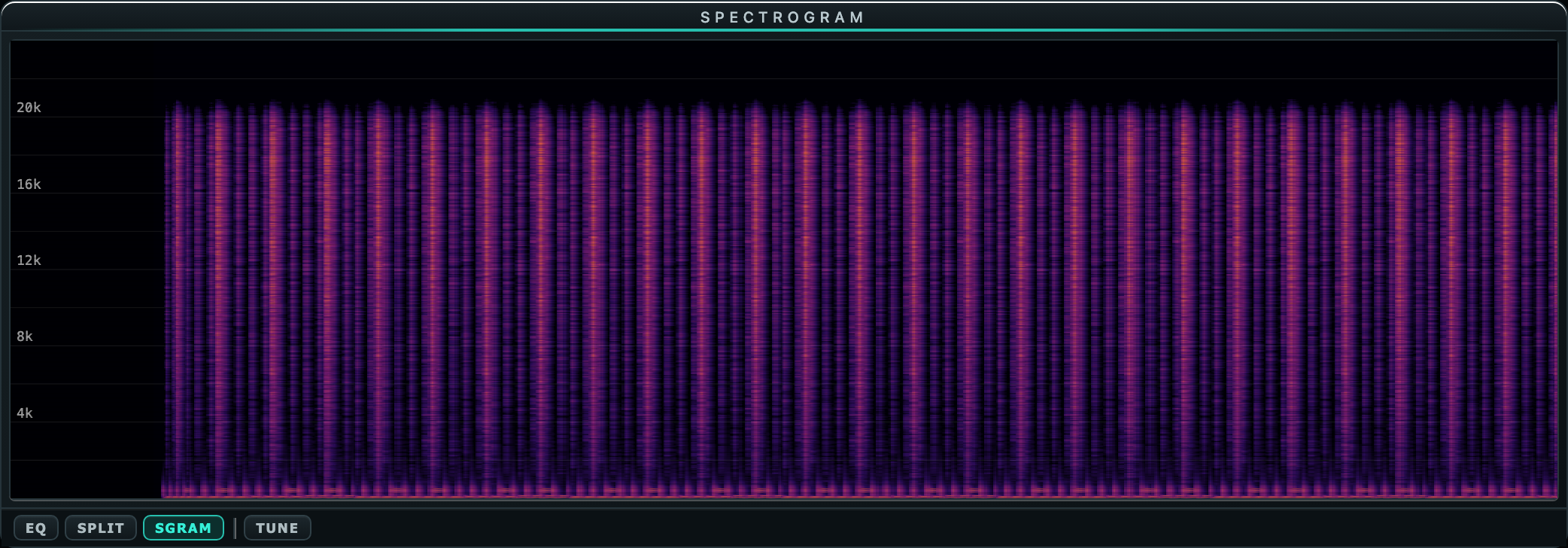
Spectrogram tuned for codec hunting
Adjustable range, tilt, and speed. A lossy transcode shows up as a hard shelf you can see from across the room.
Transpose without the chipmunk
The SEMI control shifts key up to an octave either way while tempo stays put. The pitch fader stays a true DJ fader with KEY lock.
BPM you can correct
Tempo detection with a one-click fix: click the readout, type the BPM you know, done. It tracks the pitch fader from then on.
Playlists that persist
Save named playlists and reload them from the playlist bar. The desktop app adds Quick Look style file-browser preview on a global hotkey.
Built for the booth, the studio, and the mix bus.
DJs
Prep sets with real tempo numbers, transpose tracks into key without touching the tempo, and cue by waveform instead of guesswork. Wide pitch ranges up to 100 percent when you need them.
Producers
Audition bounces and references with the spectrum open, sketch key changes on finished audio, and A/B EQ moves with factory and saved presets.
Engineers
Spot fake lossless files on the spectrogram, check sub content with the lowpass overlay, and read levels against a calibrated dB scale with peak hold.
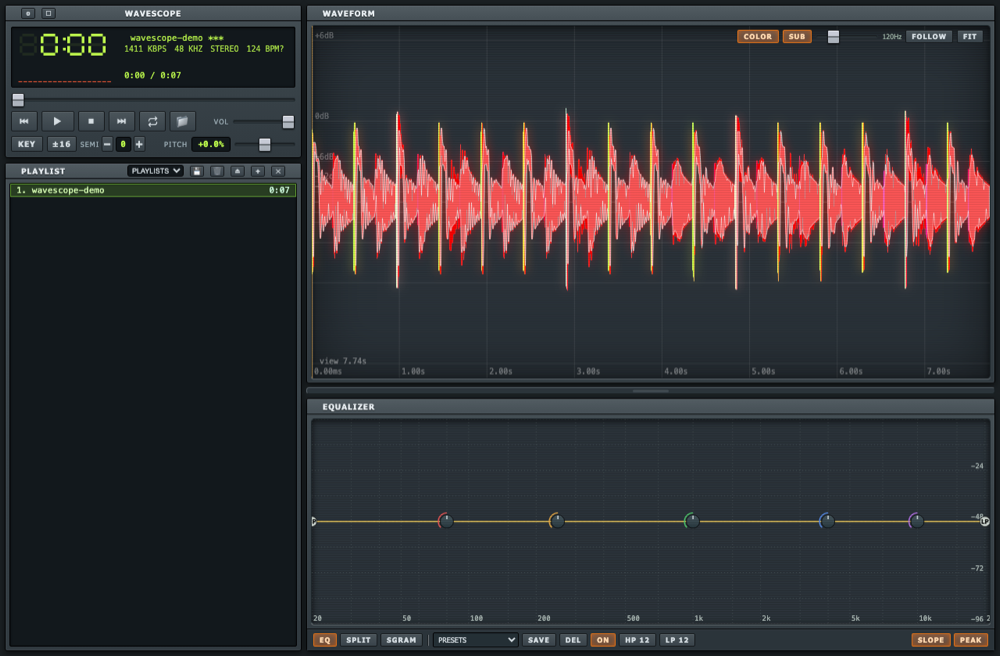
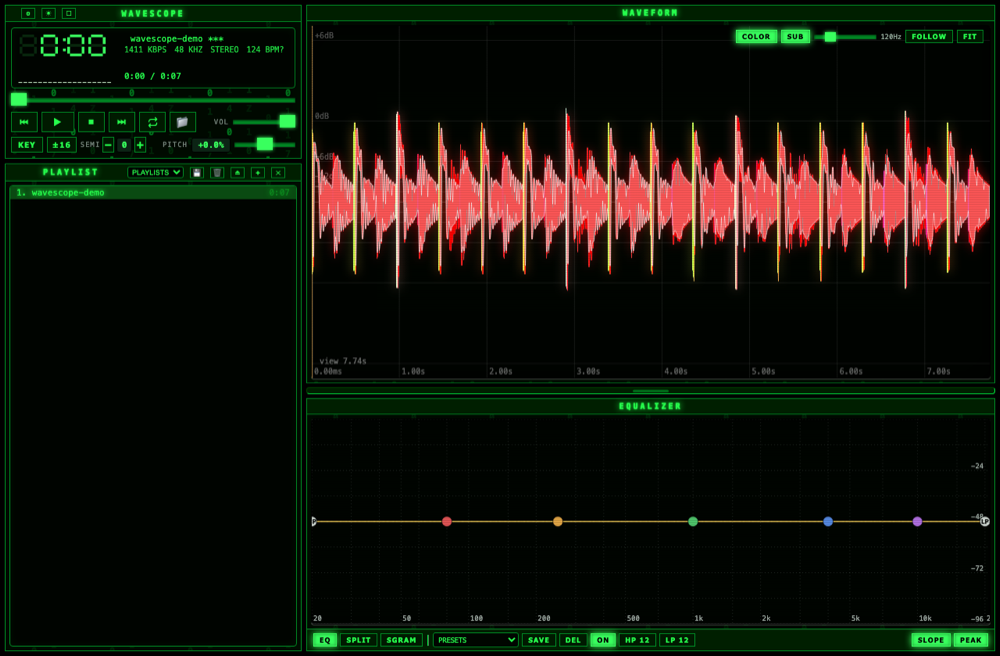
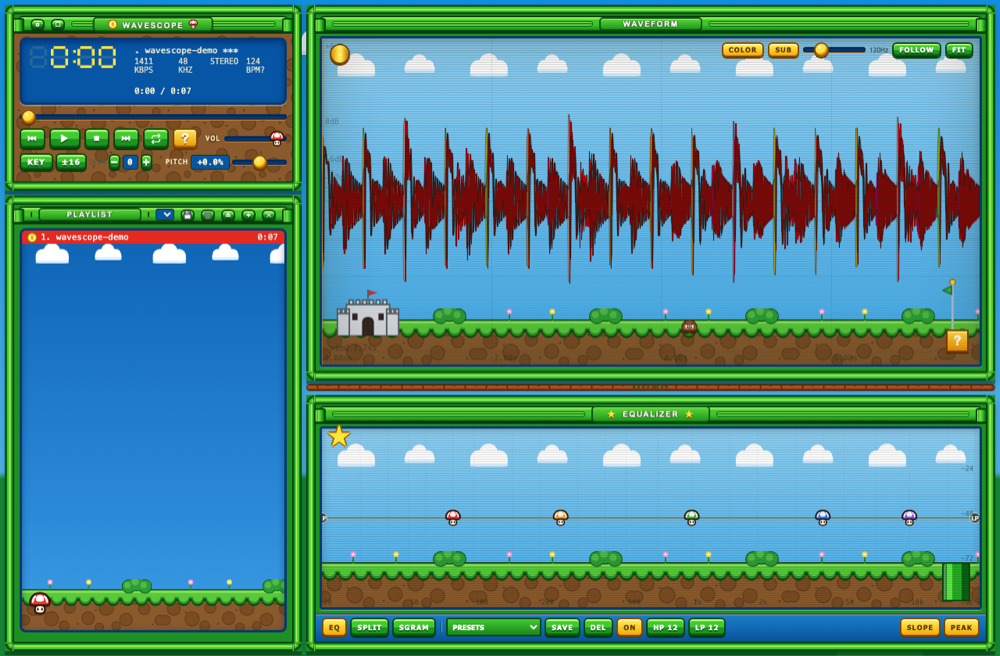
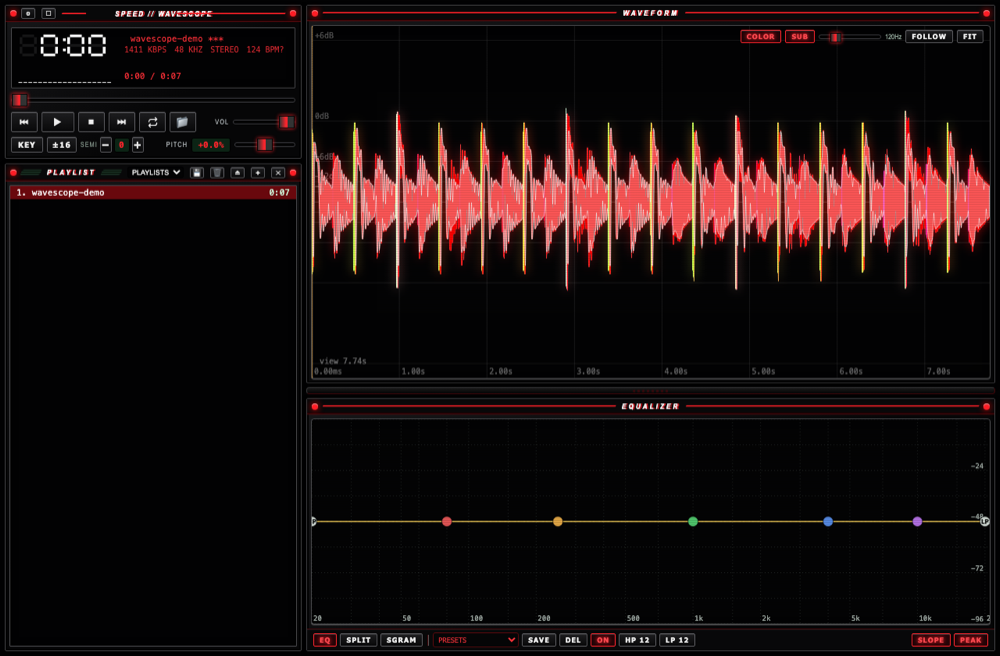
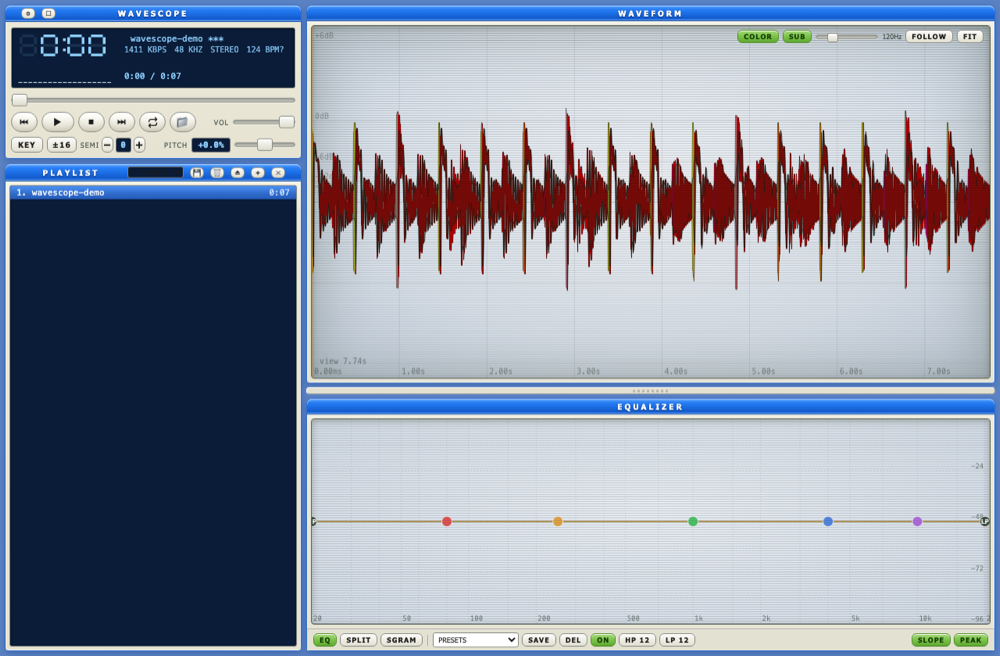
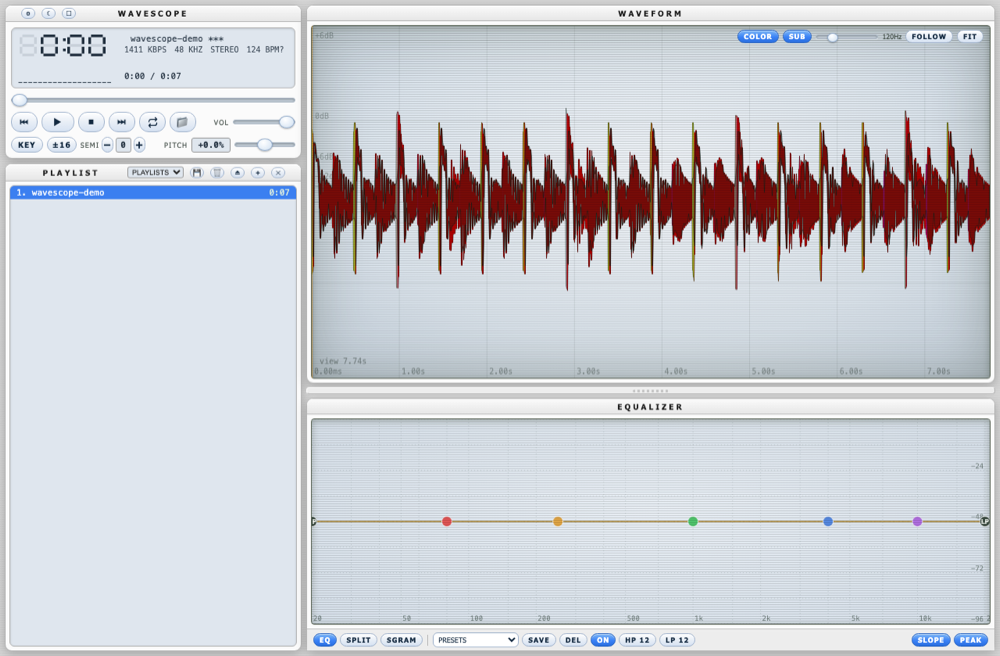
Eleven skins. One layout.
From brushed-metal Winamp nostalgia to faithful Cubase and FL Studio homages. Every skin keeps the same controls in the same places, so muscle memory survives the costume change.
Free. For actual use.
No accounts, no uploads, no trial timers. Your audio never leaves your machine. The web player runs the full app in your browser; the desktop app adds file-browser preview, playlist persistence, and the global hotkey.